New and Improved Hike iPad and Android app launch
We are thrilled to announce the launch of
Hike's new application available
on iOS and Android tablets.
Designed for modern businesses, Hike Point of Sale is a completely
comprehensive retail management system, offering unique features that you won’t
find with your outdated traditional point of sale software.
This newer application is designed to streamline your retail operations and enhance user experience. This new app focuses on speed, efficiency, and security; ensuring you can get more done in less time. Because of these major enhancements, it has been released as a brand-new app on the App Store and Google Play store rather than a direct update.
This newer application is designed to streamline your retail operations and enhance user experience. This new app focuses on speed, efficiency, and security; ensuring you can get more done in less time. Because of these major enhancements, it has been released as a brand-new app on the App Store and Google Play store rather than a direct update.
To ensure a smooth transition and optimal use of the new app, please follow
these steps.
1. Update Your Details in the Old Hike
App
Before switching to the new app, ensure
all your details are up to date in the old Hike app. This includes:
•
All sales records are updated in the Sales history: Please make sure all
sales you processed so far on iPad or Android tablet are visible on the sales
history and there are no errors for any sales. This means all sales are now
available on the cloud.
•
Ensuring all product, customer, and inventory data is correct: Please ensure all your product, inventory, customer, and supplier data is updated
Once done, please process a Data Sync on this old app to update the data to cloud.
Click on the DATA SYNC button to refresh the data on your new iPad/Android app.
Once done, please process a Data Sync on this old app to update the data to cloud.
Click on the DATA SYNC button to refresh the data on your new iPad/Android app.
2. Download the New
App
Search for “Hike Retail POS” in the
iOS App Store or Google Play Store and look for our latest version.
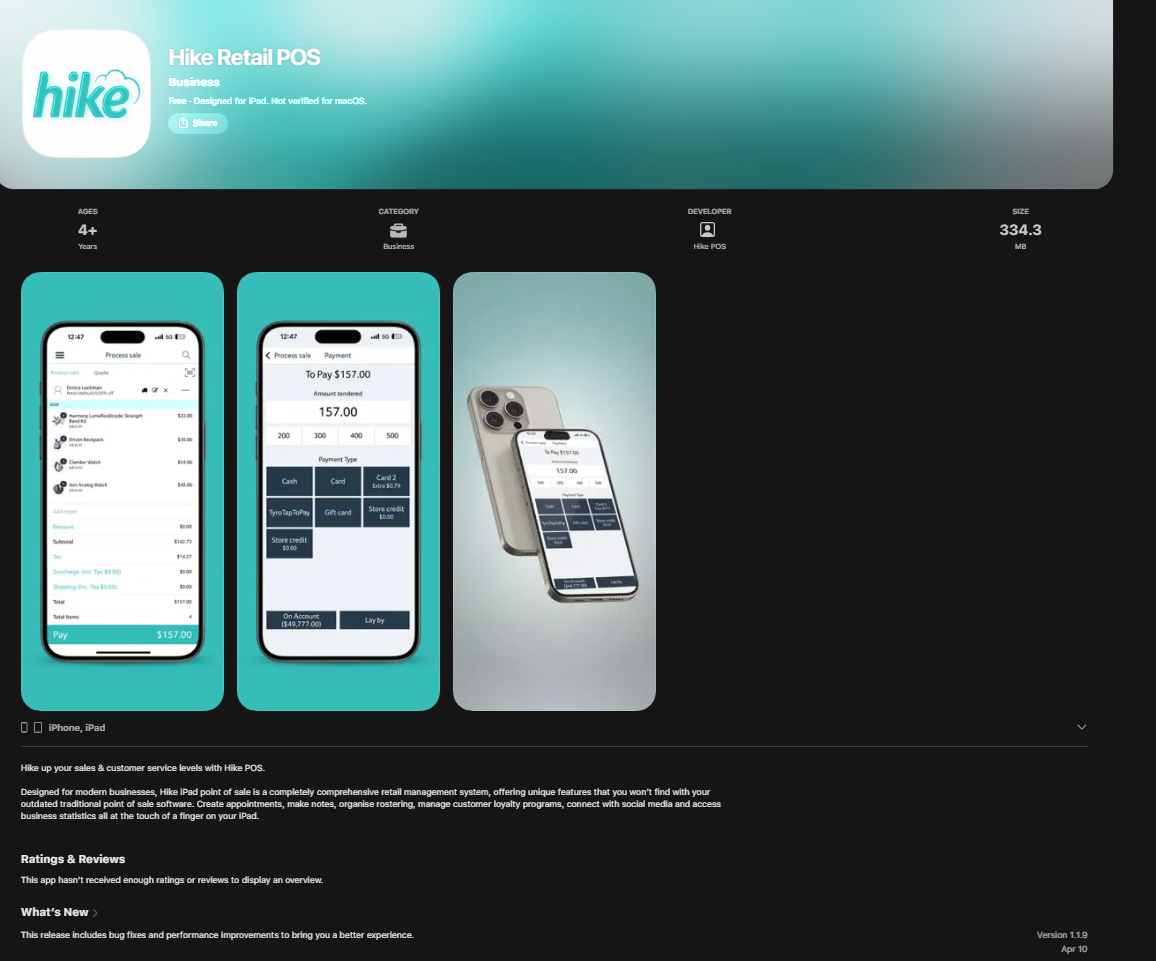
Hike Retail POS iOS app: https://apps.apple.com/us/app/hike-retail-pos/id6479286606
You can check the app version and other details on the page.
Hike Retail POS Android app: https://play.google.com/store/apps/details?id=com.hikeup
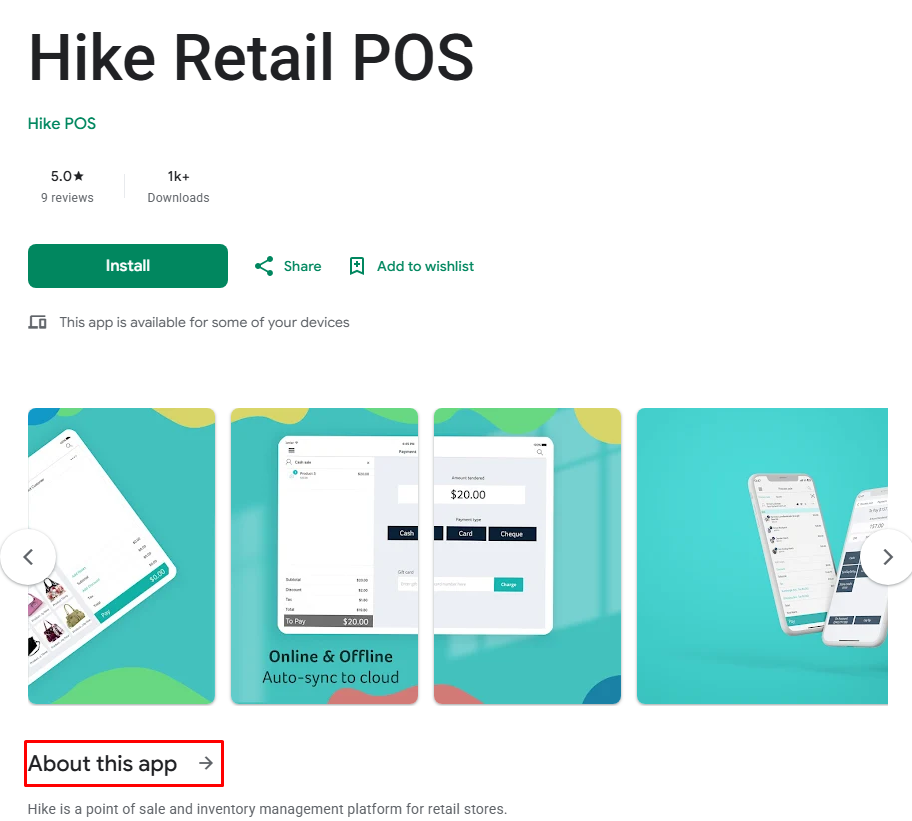
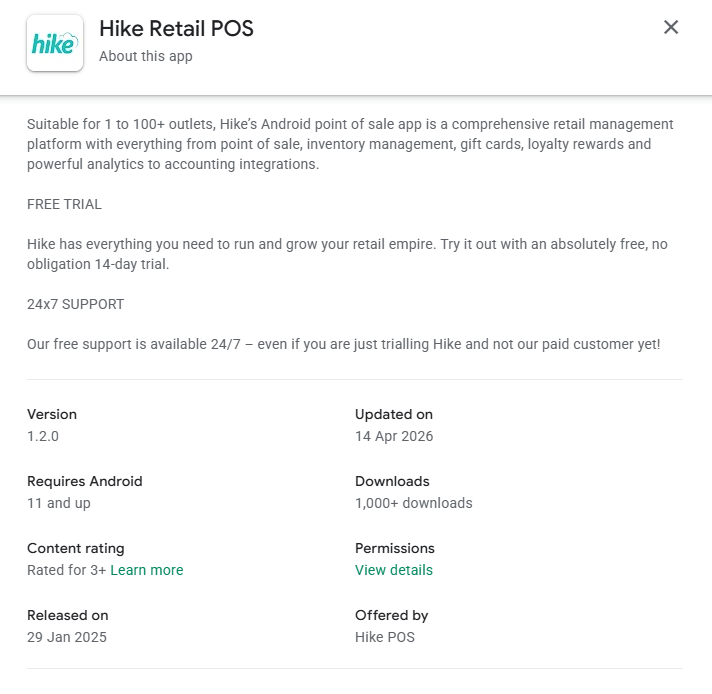
You can check the version and last update details when you open the link: About this app.
Hike Retail POS iOS app: https://apps.apple.com/us/app/hike-retail-pos/id6479286606
You can check the app version and other details on the page.
Hike Retail POS Android app: https://play.google.com/store/apps/details?id=com.hikeup
You can check the version and last update details when you open the link: About this app.
3. Sign In
Log in with your current Hike POS
credentials. Store name, User name and Password
4. Process a Data Sync on the New App
(For both iPad and Android)
Once your details are correct and updated
on the old app, proceed with a data sync on the new iPad app. This will
transfer all your information from the old app to the new one seamlessly.
On the iPad and Android tablets, you will find in the menu Settings > General.
On the iPad and Android tablets, you will find in the menu Settings > General.
5. Integrate Your Printers and Other
Devices
Next, you'll need to integrate your Printer, Scanner, and other devices with Hike. For detailed instructions, please refer
to our hardware support articles below.
You can find your printer hardware from the list and set-up the integration using the article.
https://help.hikeup.com/portal/en/kb/hike/hardware
You can find your printer hardware from the list and set-up the integration using the article.
https://help.hikeup.com/portal/en/kb/hike/hardware
6. Add and Integrate Payment Devices
Finally, add and integrate your payment
devices with Hike's newest app. For step-by-step guidance, check out our
support articles for integrated payment configuration.
You can find your integrated payment device in the below articles and integrate it with Hike accordingly.
You can find your integrated payment device in the below articles and integrate it with Hike accordingly.
Feel free to contact us on 24/7 chat
support or email us at support@hikeup.com
if you need any additional assistance.
We hope you enjoy the new features and
improved performance of Hike's iPad app. Thank you for your continued support!