AI Workflow: Send your monthly sales report automatically via AI
Overview:
Keeping your team informed with accurate sales data is essential for making smart business decisions — but compiling and sending monthly reports manually can be time-consuming and prone to errors.
That's why we've built the Monthly Sales Report Automation — a smart workflow that automatically generates and emails a comprehensive sales summary to your team at the end of every month. With zero manual effort, you'll receive accurate, up-to-date insights delivered straight to your inbox, helping you stay on top of your store's performance effortlessly.
Whether you're a busy store owner or a team leader, this automation saves you valuable time while ensuring consistency and reliability in your reporting.
The Monthly Sales Report Automation workflow is designed to:
- Automatically generate a detailed sales summary based on your store's data.
- Email the report to your designated recipients at the end of each month.
- Eliminate the need for manual data compilation and report creation.
How It Works:
You will need to activate the feature from AI workflow page on your Hike store.
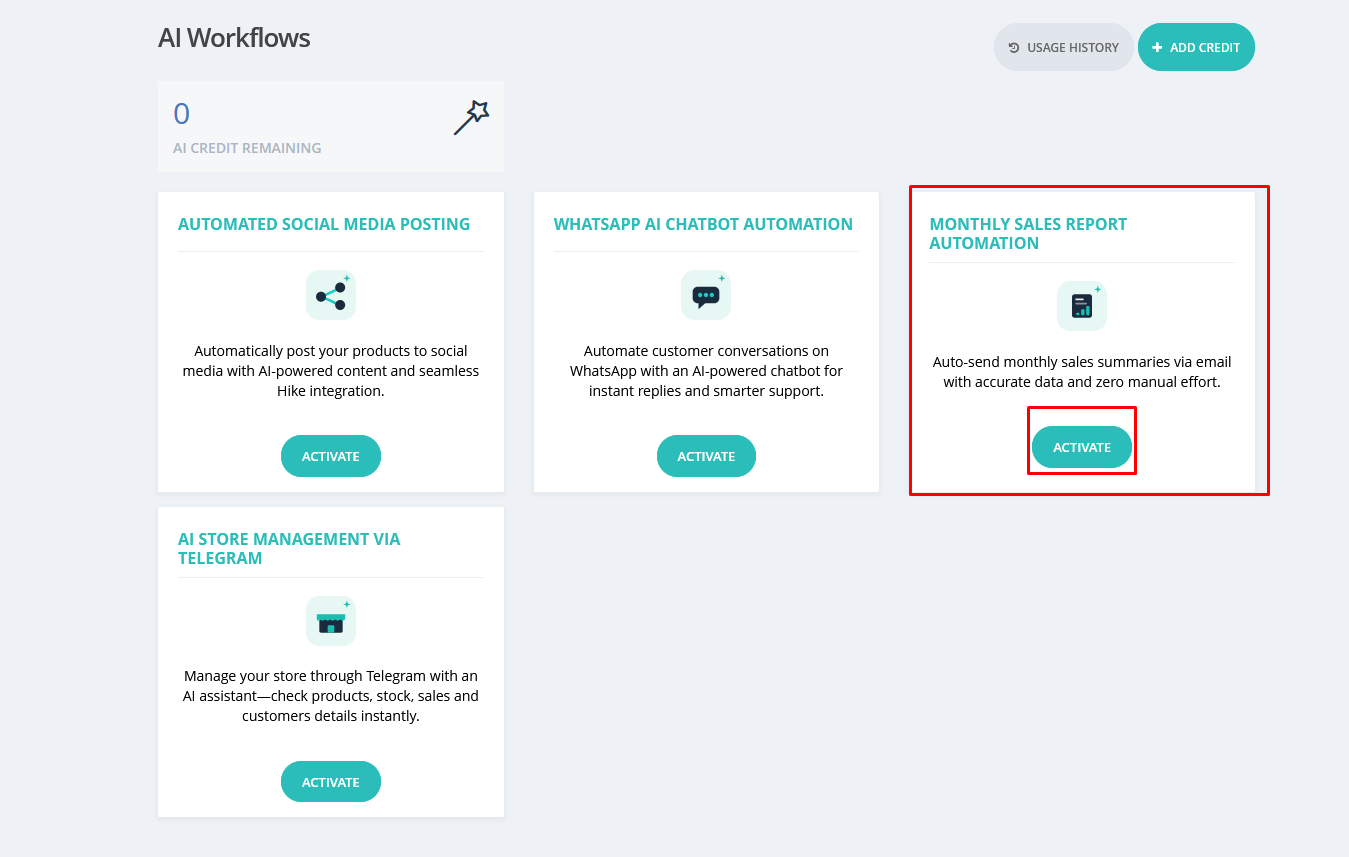
Once you click on Active, a new window will open.
On this page, you can update the following details:
Recipients: Email recipients' email addresses,
Outlets: The outlet for which you wish to have this report,
On this page, you can update the following details:
Recipients: Email recipients' email addresses,
Outlets: The outlet for which you wish to have this report,
Subject
The default subject line is pre-filled as: Your Monthly Sales Report (month)
You can edit this to match your preferred format.
Email Body
The default message body is:
Hello,
please find attached your monthly sales report.
Best regards,
Hike Team
You can customise the body text using the built-in rich text editor.
Once activated, the workflow will automatically send the monthly sales report email at the end of each month to every participant's email listed here.
If the feature is activated during the month, you will start receiving the email from the next month's 1st date.
Example: If the feature is activated on 3rd July, you will start receiving the automated emails from 1st August.
If the feature is activated during the month, you will start receiving the email from the next month's 1st date.
Example: If the feature is activated on 3rd July, you will start receiving the automated emails from 1st August.
Notes:
• The report is generated automatically using your store's sales data — no manual input is required.
• You can return to this workflow at any time to update the email subject or body before the next report is sent.
Ensure your store's email settings are correctly configured for successful delivery.